
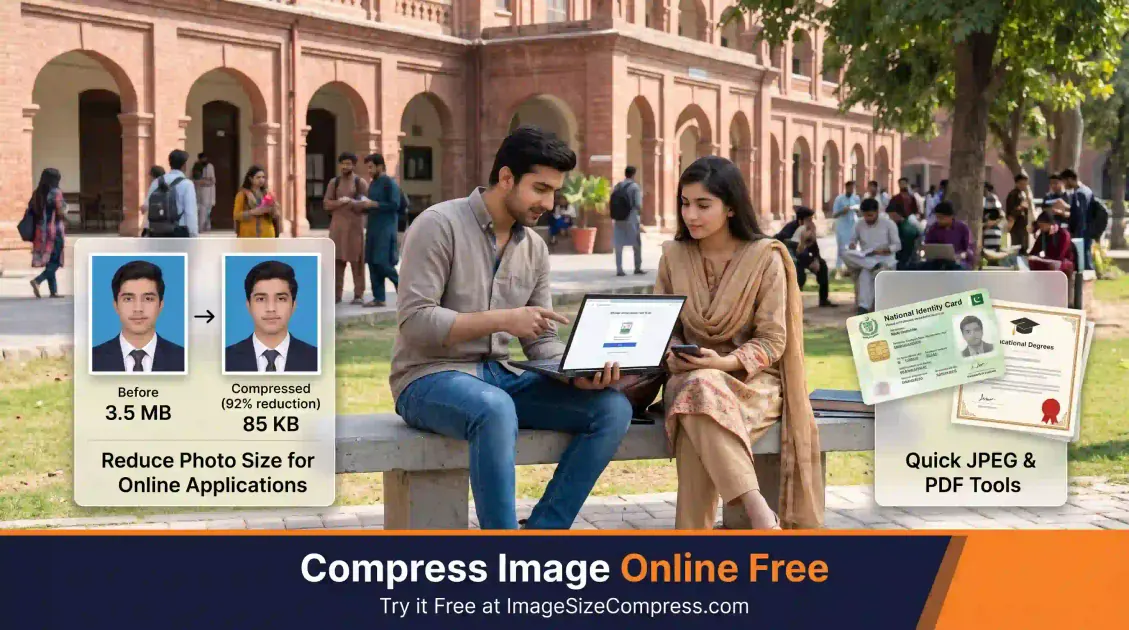
How Students Can Compress Images Online Free for Job and University Portals
Article Details
Submitting an online application for university admissions, scholarships, or government jobs often comes down to one frustrating hurdle: file size limits. You fill out every detail, attach your passport-sized photograph or scanned CNIC, and hit submit—only to see an error message demanding a file under 50 KB or 100 KB.
Instead of downloading heavy software or risking your private documents on unknown servers, you can compress image online free directly inside your web browser using Image Size Compress. Built specifically for speed and privacy, this browser-based tool lets students and job seekers shrink photos, convert formats, and organize PDFs in seconds.
Why Students and Job Seekers Need a Reliable Image Compressor
When applying through national testing services, university portals, or recruitment boards on PakVacancy, strict upload rules are standard. Common challenges include:
Strict File Size Caps: Most portals reject high-resolution smartphone photos (often 3 MB to 8 MB) and require files below 200 KB or even 50 KB.
Format Mismatches: Portals frequently ask for standard JPG/JPEG files, while modern phones save images in WebP or PNG formats.
Privacy Risks with Sensitive Documents: Uploading personal portraits, domicile certificates, or ID cards to third-party servers creates unnecessary data exposure.
Slow Mobile Connections: Uploading large, unoptimized files over mobile data wastes time and causes form timeouts.
What Makes Image Size Compress Different?
While dozens of websites claim to resize photos, Image Size Compress stands out because of how it handles your files under the hood:
100% Browser-Based Privacy: Traditional compressors upload your photos to a remote server, process them, and store them temporarily. Image Size Compress uses modern WebAssembly technology to process everything locally on your own device—meaning your private photos and documents never leave your phone or computer.
Instant Quality & Size Preview: You don't have to guess how your photo will look after shrinking. Adjust the JPEG quality slider and compare the before-and-after preview alongside the exact file size before downloading.
Broad Format & Batch Support: Compress JPG, PNG, and WebP files up to 50 MB, convert between formats (such as PNG to JPG, WebP to JPG, or TIFF to JPG), and process multiple images at once.
Built-In PDF Organizer: Beyond images, the platform includes a local PDF toolkit that lets you split pages, rotate sideways scans, remove unwanted pages, and reorder documents for single-file portal uploads.
Step-by-Step: How to Reduce Photo Size for Online Applications
Follow these four quick steps to prepare your application files:
Open the Tool: Go to Image Size Compress on your mobile or desktop browser—no account or installation is required.
Select Your Files: Drag and drop your JPG, PNG, or WebP image (up to 50 MB) or tap Browse Files to pick a photo from your gallery.
Adjust the Quality Slider: Move the JPEG quality slider left or right while watching the live file size readout until it meets your portal's KB or MB requirement.
Compare and Download: Check the side-by-side preview to verify that text and facial details remain sharp, then download your compressed JPEG copy immediately.
Practical Tips for Crisp, Portal-Ready Uploads
Keep Originals for Transparency: The main compressor exports standard JPEG files—ideal for application forms—so keep a backup of your original PNG if you ever need a transparent background.
Check Text Readability: When shrinking scanned degrees or certificates, zoom into the live preview to make sure roll numbers, signatures, and stamps remain clearly legible.
Combine Multi-Page Scans: If a recruitment portal only accepts one document upload, use the built-in PDF Organizer to arrange and clean up your scanned pages on your device before submitting.
Ready to submit your next application without upload errors? Visit Image Size Compress now to shrink your photos, convert formats, and organize your documents privately in seconds.
Make your job search easier
Get updates, prepare your CV and explore opportunities matched to your profile.
Reader Comments
Users can leave comments, reply to each other, and like useful replies.